
Splash Screen

In this post, we’ll see an object that is present in many popular applications: the Splash Screen. With the storyboard, we have a specific object for that. In SwiftUI, the splash screen is a regular view that we can create however we want. In the example, the splash screen contains a heart that pulses for two seconds.
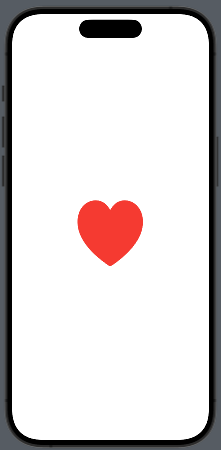
Take a look at the code:
struct SpashView: View {
    @State private var isAnimating = false
    var body: some View {
        VStack {
            Image(systemName: "heart.fill")
                .resizable()
                .frame(width: 100, height: 100)
                .foregroundStyle(.red)
                .scaleEffect(isAnimating ? 1.5 : 1.0)
        }.onAppear {
            withAnimation(.easeInOut(duration: 1.0).repeatForever()) {
                isAnimating = true
            }
        }
    }
}
We have a variable used to start the animation (isAnimating). The image, a red heart, initially has dimensions of 100×100, but scales to 1.5 times its size. The animation lasts 1 second and loops indefinitely.
How do we display this view when the application starts? We have two possibilities:
Create a coordinator view that contains the logic to decide what to display when the application starts.
Add the logic mentioned in the previous point directly in the …App file.
The first solution may be the cleaner approach, but I also want to show how to modify the App file:
import SwiftUI

@main
struct SplashAppApp: App {
    @State var starting = true
    var body: some Scene {
        WindowGroup {
            if starting {
                SplashView()
                    .onAppear {
                        Task {
                            try await Task.sleep(nanoseconds: 2_000_000_000)
                            starting = false
                        }
                    }
            } else {
                ContentView()
            }
        }
    }
}
A starting variable is used to check if the application has already started or not. If the application is starting, the SplashView is displayed, and a task is initiated to wait for two seconds. After this time, the starting variable is toggled, and the main view of the application is displayed.